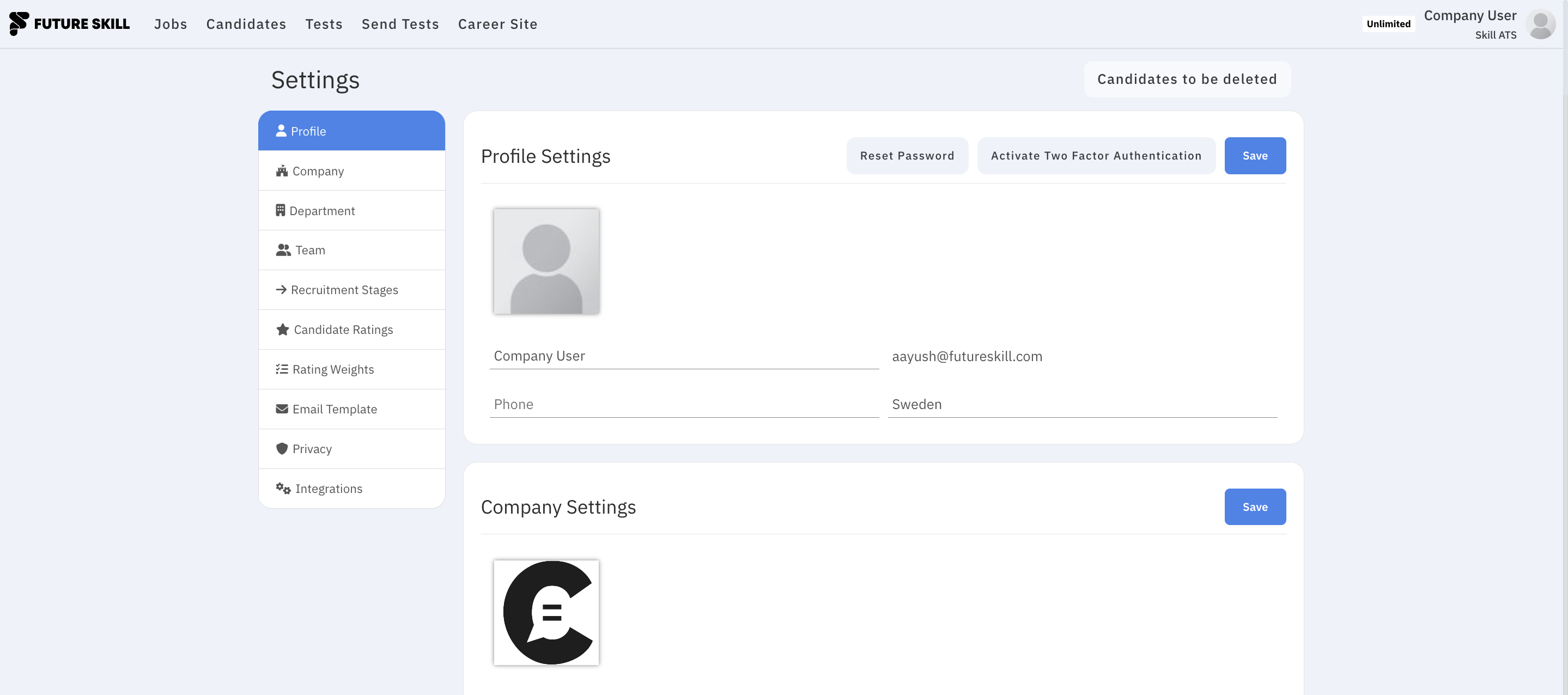
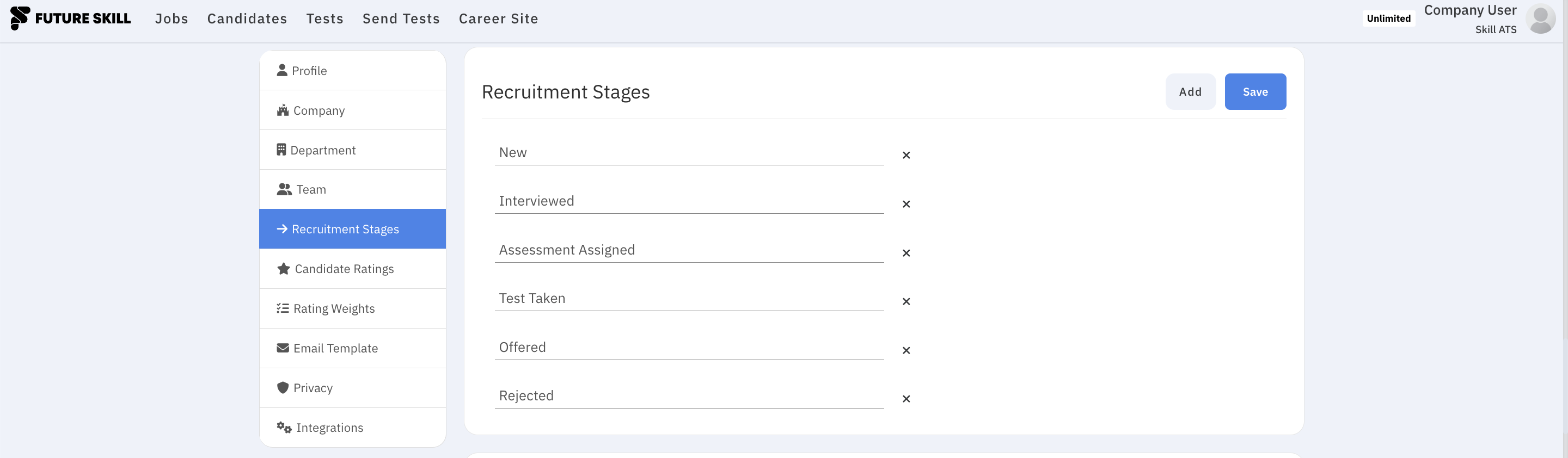
Company settings
Open Settings from the dashboard or account menu to configure how SkillATS works for your company.
Common settings
| Section | What it’s for |
|---|---|
| Company | Company name and details |
| Departments | How you organise teams or units |
| Team | Invite colleagues and manage access |
| Email templates | Standard messages you send to candidates |
| Privacy | Retention and deletion-related options |
| Integrations | Connect other tools — see Integrations |
| Recruitment stages | Column names on your hiring boards |
| Candidate ratings | How you score people |
| Rating weights | How different scores are combined |
Exact section names can vary slightly by plan; work through the list in Settings until everything matches how your team hires.