Getting started
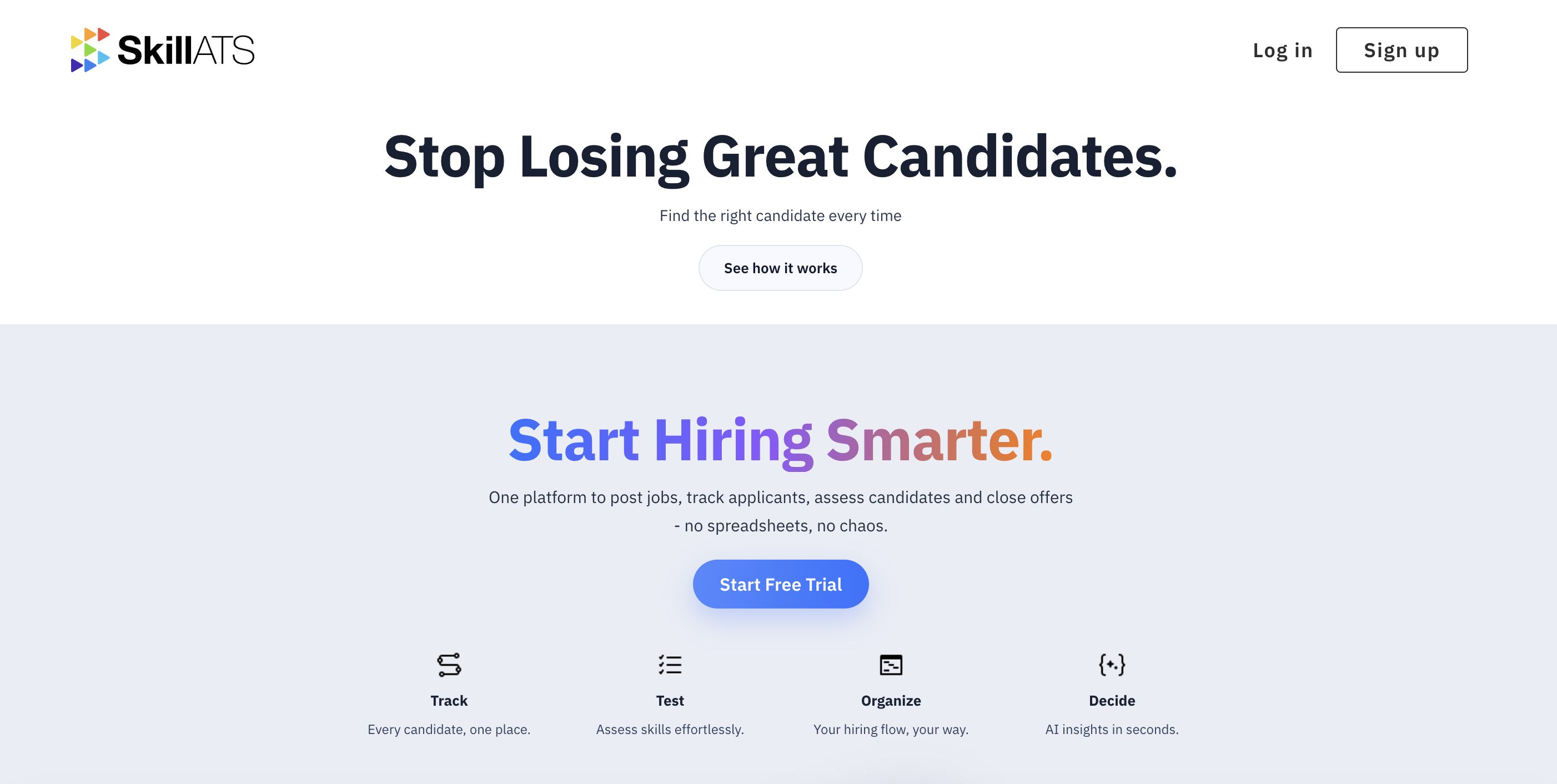
SkillATS helps recruiting teams hire from one place: jobs, pipelines, assessments, AI-assisted search, a public career site, and optional automation for broker assignment emails.
Who this help is for
- Recruiters and hiring managers
- Admins who set up stages, team members, and integrations
- Anyone publishing a career site for applicants
How hiring usually flows
flowchart LR
  A[Sign in] --> B[Create a job]
  B --> C[Candidates apply or are added]
  C --> D[Move people through stages]
  D --> E[Hire]
  C --> F[AI Search or AAA shortlists]
F --> D- Sign up or log in.
- Create a job and open its pipeline (board).
- Candidates apply via your career site, or you add them yourself.
- Move people through stages, run tests, and make decisions.
- Use AI Candidate Search or AAA when you need a shortlist faster.
Suggested reading order
- Sign up and log in
- Your dashboard
- Manage jobs and the pipeline board
- Candidates and AI Candidate Search
- AAA if you receive broker assignment emails
- Career site
- Company settings