Manage jobs
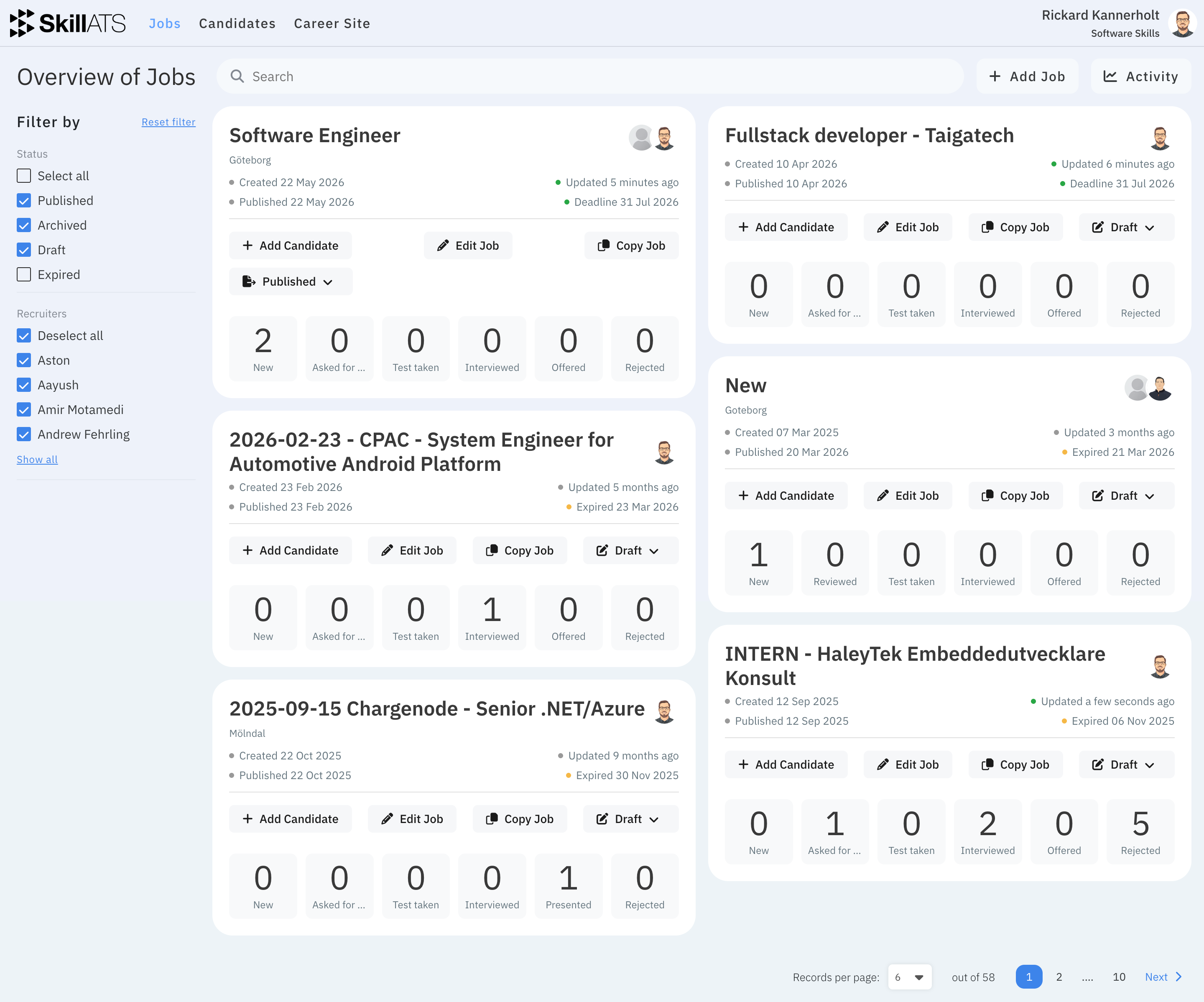
Open Jobs in the top menu to see all openings for your company. From here you can search, filter, create new jobs, and open each job’s hiring pipeline.
What you can do
- Find a job with search and filters
- Open a job to edit it
- Open the board (pipeline) for that job
- Create a new job