Sign up and log in
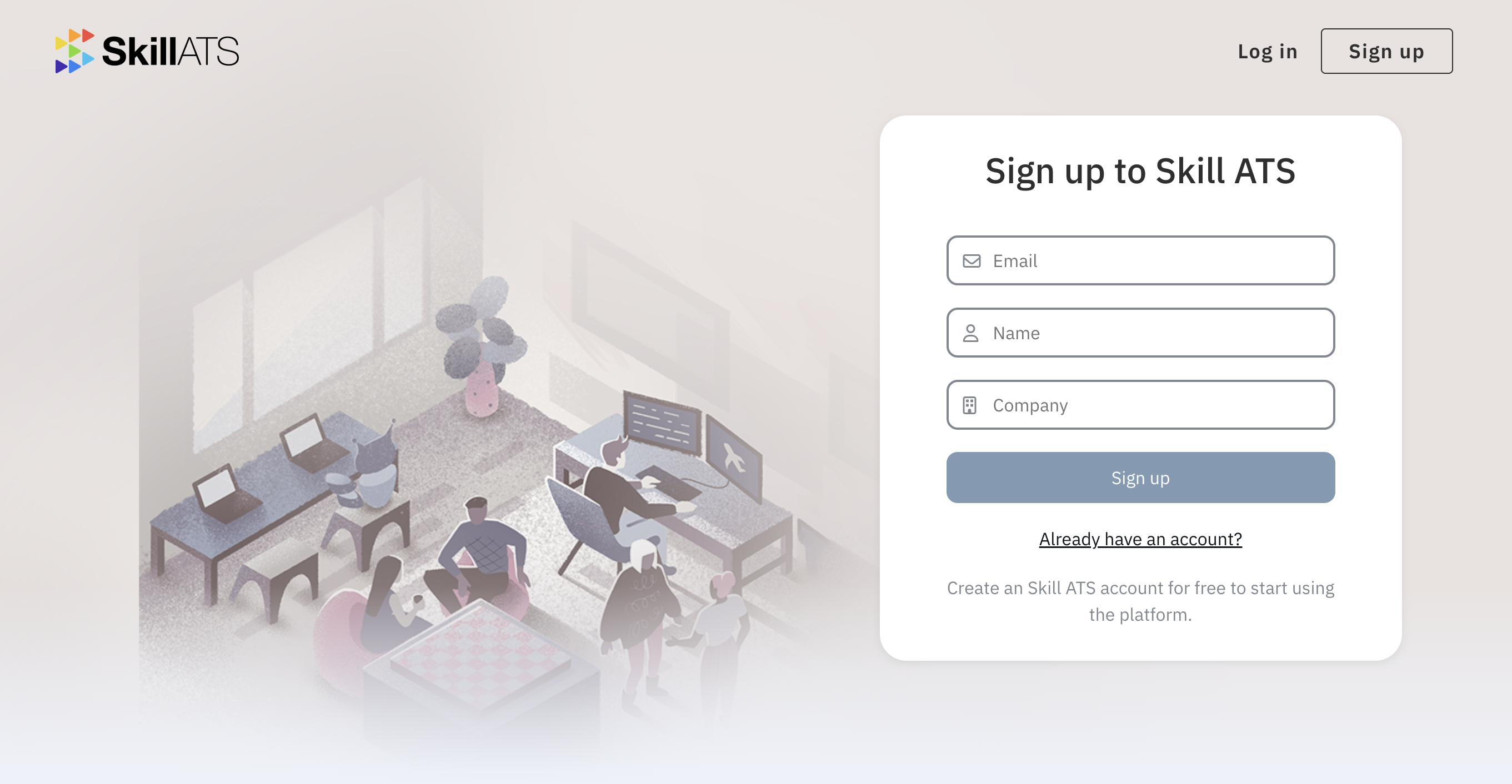
Create an account
- Go to skillats.com and open Sign up.
- Enter your details and create your company account.
- Confirm any email step if asked, then sign in.
Log in
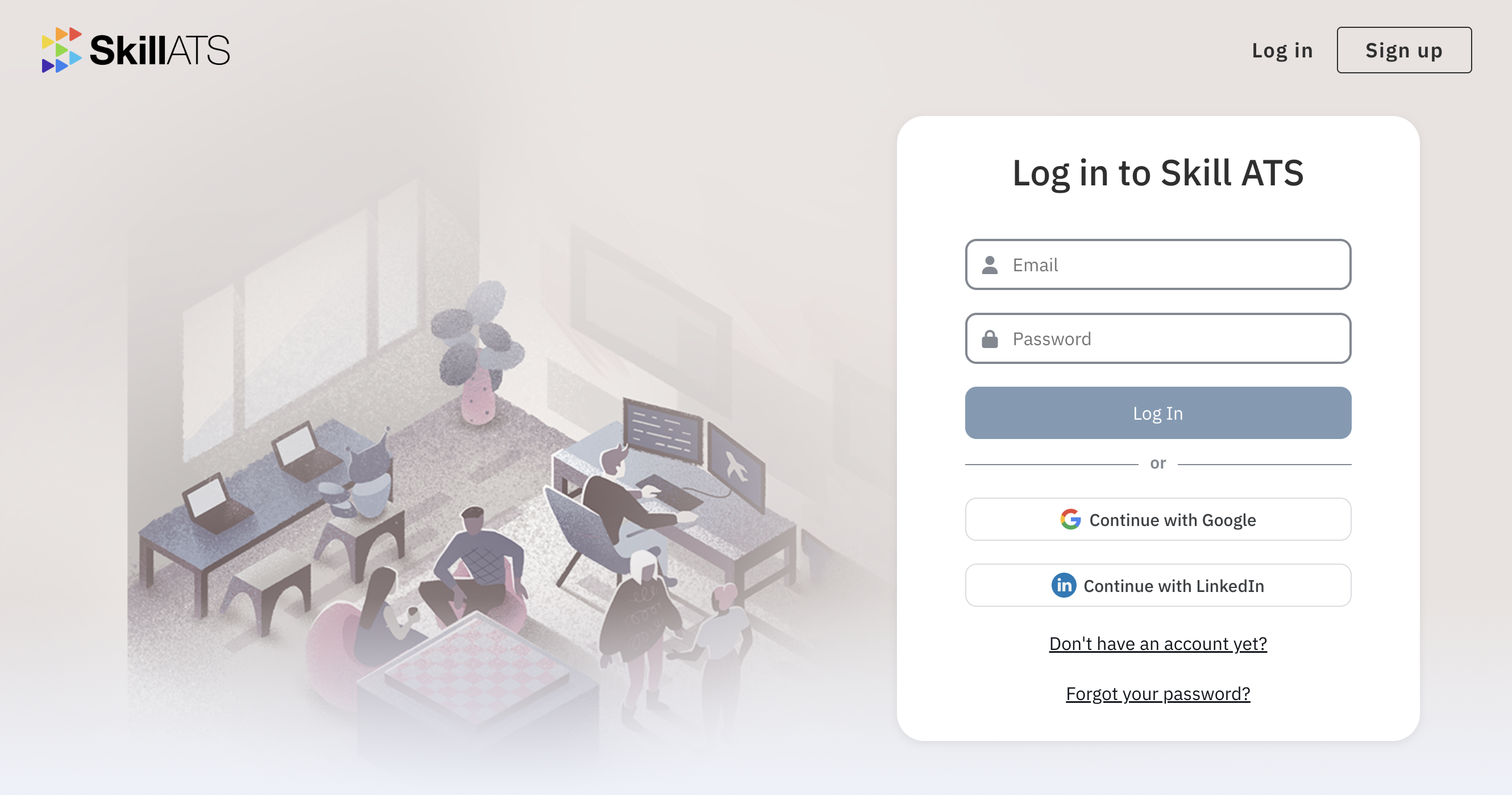
- Open Log in.
- Enter your email and password.
- You’ll land on your dashboard.
Forgot your password?
- On the login page, choose the option to reset your password.
- Check your email for the reset link.
- Set a new password and sign in again.
Tip
If you don’t see the email, check spam and confirm you used the same address as your SkillATS account.