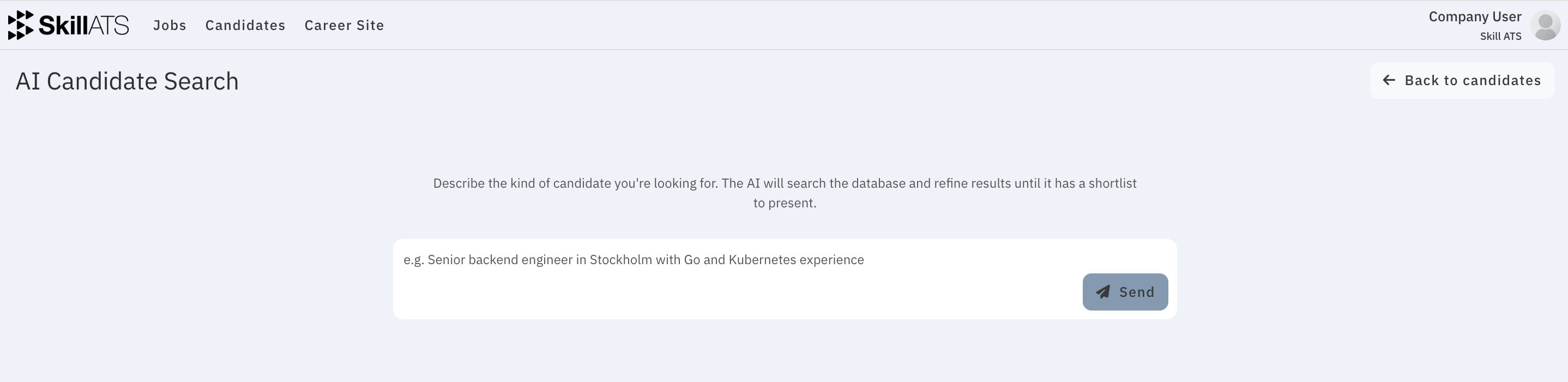
AI Candidate Search
AI Candidate Search helps you find people already in SkillATS by describing who you need in plain language — instead of building complex filters yourself.
How to open it
- Go to Candidates.
- Click AI Search.
You can also arrive here from an AAA result email when a shortlist is ready.
How to use it
- Type what you’re looking for in the chat box.
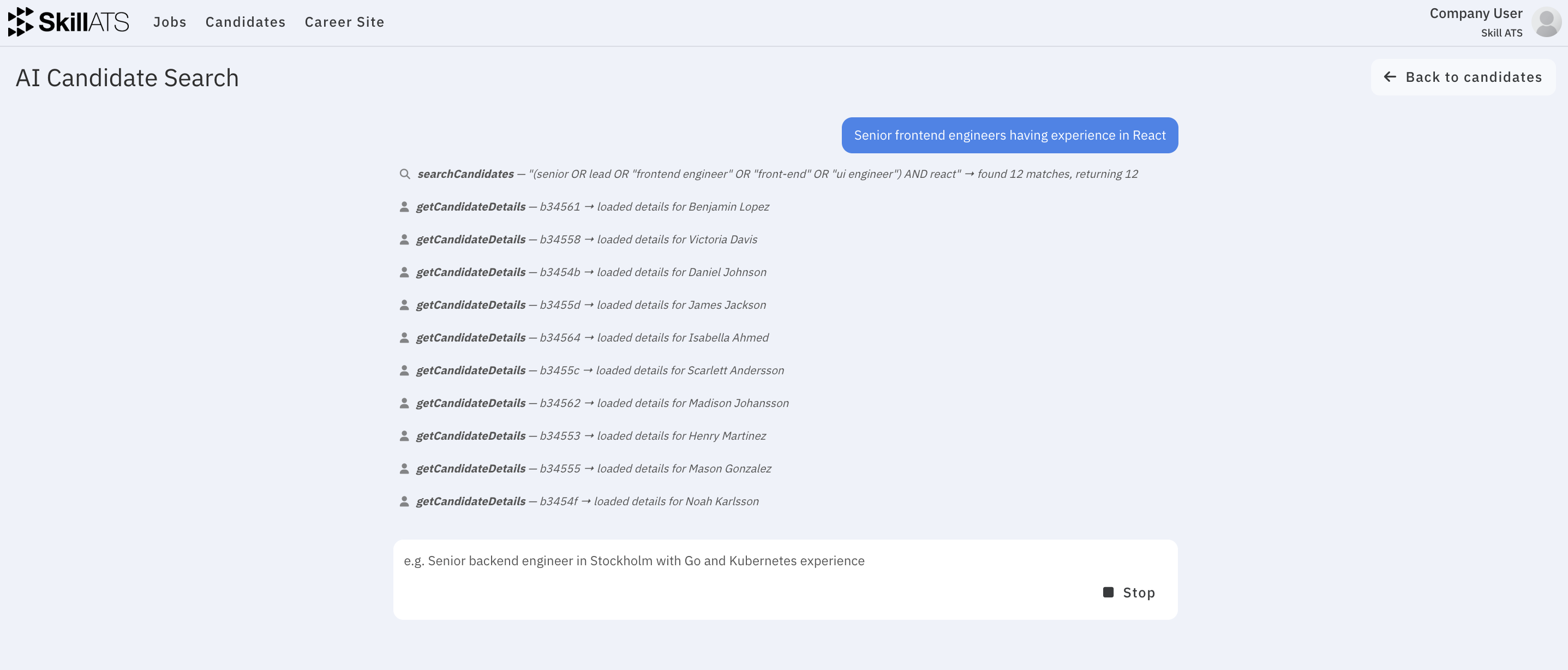
- Send your message and wait while SkillATS searches.
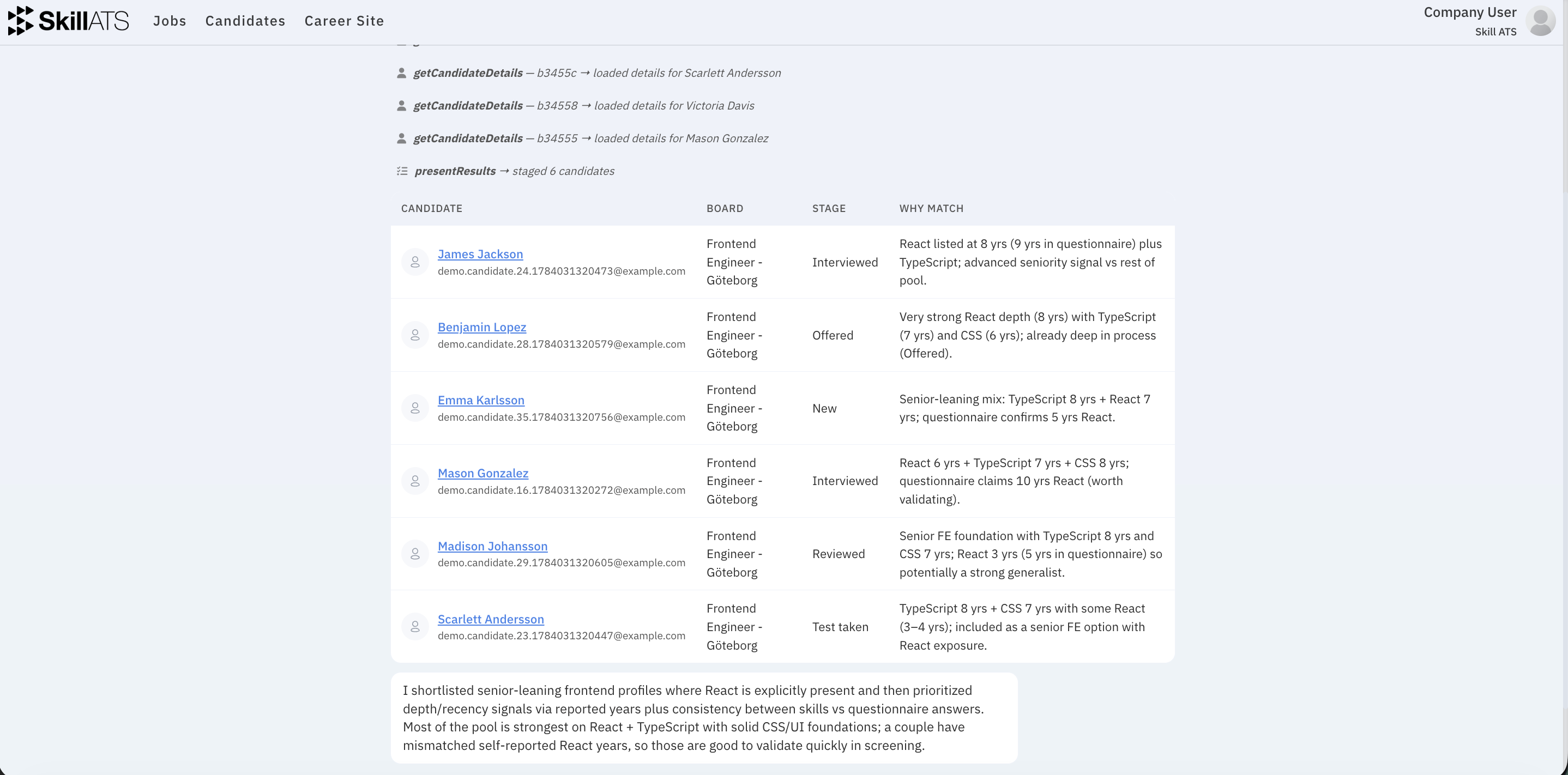
- Review the shortlist in the results table.
- Open any candidate to see more detail.
Example prompts
- “Senior React developers who completed tests in the last six months”
- “Candidates in Stockholm with strong questionnaire ratings”
- “People who would fit this assignment: …”
Tips
- Be specific about skills, location, seniority, and how recent activity or ratings matter.
- Open a few people from the shortlist before deciding — treat AI Search as a starting point.
- For recurring broker emails, set up AAA so shortlists arrive in your inbox automatically.